

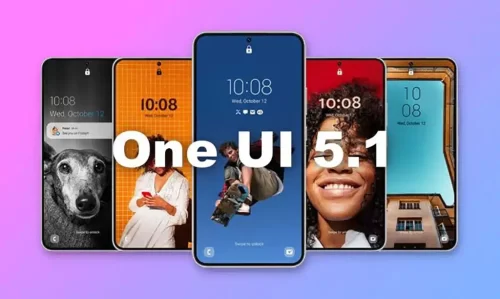
Η Samsung ετοιμάζει το επόμενο μεγάλο update του λογισμικού της, το One UI 6 που βασίζεται στο Android 14. Παράλληλα, ολοκλήρωσε την ανάπτυξη μιας μεγάλης ενημέρωσης για το One UI 5. Το One UI 5.1.1 έγινε διαθέσιμο σε επιλεγμένες συσκευές στη Νότια Κορέα και φέρνει βελτιώσεις, τροποποιήσεις, και τα λοιπά.
Το One UI 5.1.1 βελτιώνει χαρακτηριστικά που έχουν σχέση με κομμάτια της ROM που αφορούν το multitasking, το Flex Mode των foldables της εταιρείας, και πολλά άλλα. Όπως είπαμε, προς το παρόν είναι διαθέσιμο σε επιλεγμένες συσκευές και μόνο στη Νότια Κορέα.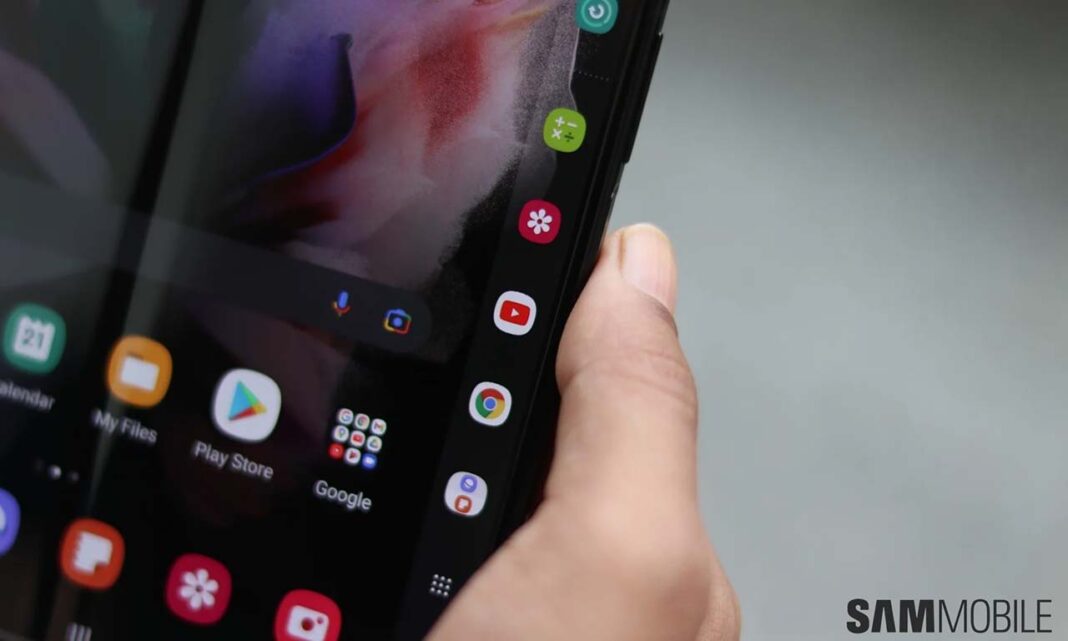 Το One UI 5.1.1 το λαμβάνουν τα Samsung Galaxy Z Fold 4, Tab S8, Tab S8+, και Tab S8 Ultra. Αξίζει να σημειώσουμε ότι πρόκειται για τη beta έκδοση. Η τελική έκδοση θα γίνει πιθανός διαθέσιμη μετά το Galaxy Unpacked event που θα πραγματοποιηθεί στα τέλη του μήνα. Μέχρι τότε, ρίξτε μία ματιά στο πλήρες changelog.
-
Multitasking
-
Improved app preview on the Recent Apps screen
- You can preview an app’s running state, such as split-screen, full-screen, or pop-up, on the Recent Apps screen.
-
Switching directly from pop-up screen to split screen
- You can easily switch to split screen by pressing and holding the handle at the top of the pop-up window and dragging it to the desired side.
-
Move the pop-up to the side and easily re-light it to come
- Move the pop-up screen to the side for a while, and easily bring it back when you need it. You can drag the pop-up screen sideways to move it out of your view, then tap it again to bring it back to its original position.
-
Check minimized apps with the S Pen
- When you move the S Pen over the icon of a minimized app, a preview is displayed so you can see what the app will look like when launched.
-
Taskbar
-
Show more recent apps on the taskbar
- You can display up to 4 recently used apps on the taskbar.
-
Adjust the taskbar area according to the number of icons
- If there are 7 or fewer icons displayed on the taskbar, the taskbar area is automatically adjusted to make it easier to select the home button, recent apps button, and back button at the bottom of the screen.
-
Flex Mode
-
More Apps in Flex Mode Panel
- You can now use Flex Mode Panel in a variety of apps that support multi-window screens. Turn on the Flex Mode panel option, fold the phone, and press the button displayed on the navigation bar.
-
Make media control easier
- In the flex mode panel, you’ll see buttons to jump forward or backward 10 seconds, and pressing the time bar will time the point where you’re holding it to get you exactly where you want it.
-
Customize the Toolbar
- Customize the toolbar of the Flex Mode panel as you like, and easily perform various functions such as split screen view and screen capture. You can add, remove, reorder, or move an icon by long-pressing it.
-
Quick Share
-
Share with contacts, even those far away
- You can always share files with your contacts, even if the person you want to share with is not nearby.
-
Share important content more securely
- Protect shared content more safely. You can set an expiration date on a shared file, or unshare it any time you want. You can also prevent others from saving or sharing files.
-
Samsung Health
-
Improved sleep coaching content and design
- We’ve improved the sleep coaching content and design so you can see your progress at a glance and improve your sleep habits more easily. (Galaxy Watch4 or higher)
-
Make your sleep data more meaningful
- We’ve improved the screen design and added explanations to make it easier to see and better understand the various factors in your sleep score. (Galaxy Watch4 or later)
-
Skin temperature measurement during sleep
- Create a more comfortable sleep environment by measuring how your skin temperature changes during sleep. (Galaxy Watch5 or higher)
-
Key workout metrics at once
- The summary information screen has been improved so that you can check the main exercise data at once right after the exercise is over.
- New badges, congratulatory messages, various high records, and more. Stay motivated and manage your precious health more consistently with improved Samsung Health.
-
Camera and Gallery
- You can change the date and time notation of the watermark to suit your style.
-
Improved design of Flex Mode in Pro Mode
- To make it easier to shoot the way you want, manual setting options such as ISO and shutter speed are displayed across the entire lower area of the screen when the phone is folded in Pro and Pro Video modes.
-
Select multiple photos at once in capture view
- When using capture view on the main screen, you can select multiple photos by long-pressing them. Easily select multiple photos and share or delete them all at once.
-
More convenient remaster preview
- Thumbnails are displayed below the image being remastered, and by clicking on the thumbnail, you can compare the remastered version and the original side by side on a larger screen.
-
Apply effects with ease
- The sliders have been replaced with dials, allowing you to fine-tune filters and tonal effects with one hand in the gallery.
-
Copy and paste effects
- You can copy the tones and filters applied to your favorite photos and paste them into other photos.
-
Additional changes
-
Drag and drop with both hands
- Tap and drag files, photos, and other items with one hand, and select a location or folder with the other hand.
The feature is available in My Files and on the Home screen. -
Use your phone while charging other devices with wireless battery sharing
- If you open your phone with the main screen facing down, you can charge your Galaxy Buds, Galaxy Watch, and other devices with wireless battery sharing on the other screen while continuing to use your phone on the cover screen.
-
Efficient storage management
- When the remaining built-in storage space is less than 5GB or 10%, My Files displays app cache information. Easily free up space without having to delete apps or files.
-
Improvements to Device Care’s memory management feature
- Provides more detailed information about apps using your phone’s memory, and lets you easily put apps that use too much memory into a sleep state.
- Change the mode directly from the lock screen to the mode you want, such as sleep mode or driving mode.
-
Customize the Samsung Internet screen layout to your taste
- If you move the address bar to the bottom of the screen, the tab bar and bookmark bar are also displayed at the bottom of the screen.


